A straight forward, optimized minimap plugin for RPG Maker MV and MZ, made during development of Knight of the Celestial.
Features:
-Full collision map, adaptable even to randomized terrain.
-Default color control of the background, collision map, player, and border.
-Configurable minimap size, automatically scales any map icons, as well as the minimap to fit the chosen size in pixels, whether its too big or too small.
-Commands to change colors and size during the game.
-Setting icons on events through their notes referencing pictures in the pictures folder.
-Player location and current directional facing..
https://www.youtube.com/embed/NvccCFeAYgo
New features added! This was taken on the advanced version, but to be clear the features work the same way in this version, minus the fog of war and map images!
Instructions for usage:
1- Download and extract straight into your RPG Maker Project folder.
2-Add to the active plugins list of your project, set its parameters as you wish.
If all you need is a collision map, then you are done, otherwise read on.
3-If you wish to show particular events on the minimap, you make a picture of their icon as you wish to show it on the minimap, 32x32 is a good minimum size, and this picture must be in the img/pictures folder.
4-Then you go to the notes of the event or events you wish to be visible on the map and you type:
<KoTC Minimap: PictureNameHere>
Example: <KoTC Minimap: Goblin>
It is case sensitive, use no spaces in your picture name for usage. Like if your picture were named Deadly Dwarf.png, you would rename it to DeadlyDwarf.png, and type in the note of your event:
<KoTC Minimap: DeadlyDwarf>
The script will pick it up automatically and show it on the minimap, scaling its size up or down depending on how big the map is.
Plugin Commands and Script Calls:
* Plugin Command: DisableKoTCMinimap
* Script Call: .KoTCMinimapOff();
*
* -Disables the minimap.
*
*
* Plugin Command: EnableKoTCMinimap
* Script Call: KoTCMinimapOn();
*
* -Enables the minimap.
*
*
* Plugin Command: SetKoTCMinimapWallColor
* Script Call: KoTCMinimapSetWallColor(wallcolor)
*
* -Sets the collision map color of the minimap.
*
* Example Plugin Command: SetKoTCMinimapWallColor red
* Example Plugin Command: SetKoTCMinimapWallColor blue
* Example Plugin Command: SetKoTCMinimapWallColor #FF0000
* Example Script Call: KoTCMinimapSetWallColor("green")
*
*
* Plugin Command: SetKoTCMinimapBackgroundColor
* Script Call: KoTCMinimapSetBackgroundColor(backgroundcolor)
*
* -Sets the background color of the minimap.
*
* Example Plugin Command: SetKoTCMinimapBackgroundColor red
* Example Plugin Command: SetKoTCMinimapBackgroundColor blue
* Example Plugin Command: SetKoTCMinimapBackgroundColor #FF0000
* Example Script Call: KoTCMinimapSetBackgroundColor("yellow")
*
*
* Plugin Command: SetKoTCMinimapBorderColor
* Script Call: KoTCMinimapSetBorderColor(bordercolor)
*
* -Sets the border color of the minimap.
*
* Example Plugin Command: SetKoTCMinimapBorderColor red
* Example Plugin Command: SetKoTCMinimapBorderColor blue
* Example Plugin Command: SetKoTCMinimapBorderColor #FF0000
* Example Script Call: KoTCMinimapSetBorderColor("cyan")
*
*
* Plugin Command: SetKoTCMinimapPlayerColor
* Script Call: KoTCMinimapSetPlayerColor(bordercolor)
*
* !Important! If you ever change the color of other things at the same time
* as this, make sure this plugin command is first in the order.
* -Sets the player color of the minimap.
*
* Example Plugin Command: SetKoTCMinimapPlayerColor red
* Example Plugin Command: SetKoTCMinimapPlayerColor blue
* Example Plugin Command: SetKoTCMinimapPlayerColor #FF0000
* Example Script Call: KoTCMinimapSetPlayerColor("cyan")
*
*
Plugin Command: SetKoTCMinimapSize
Script Call: KoTCMinimapSetSize(size)
-Sets the size of the minimap. 2 = double the set pixel size.
Terms of Usage:
Free to use for commercial and non commercial use as long as you credit me. If you were to make a game commercially with my script id appreciate it if you messaged me about it. If you are to post this plugin anywhere else, make sure you are linking back to this thread so that others may get the latest update.
Change Log:
V 1.7 Fixed many bugs.
V 1.6 Added Major New Features
V 1.45 Fixed battle issue.
V 1.42 Fixed more minor issues, made more optimizations.
V1.4 Fixed some MZ Issues
V 1.3 Added the ability to use the default system border for the minimap.
V1.2 Made some optimizations, allowed custom coloring of the player indicator, fixed some strange issues, fixed icons being too small on a very large map.
V1.1 Allowed events locations to update if they are moving, and added full plugin command support for RPG Maker MZ
V1: Released
If there are any suggestions, make a comment, I actively check them.
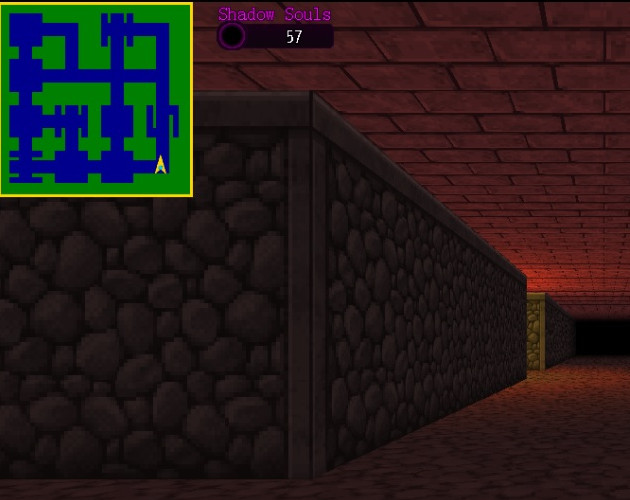
Weave your way through complicated areas with the help of a birds eye view.
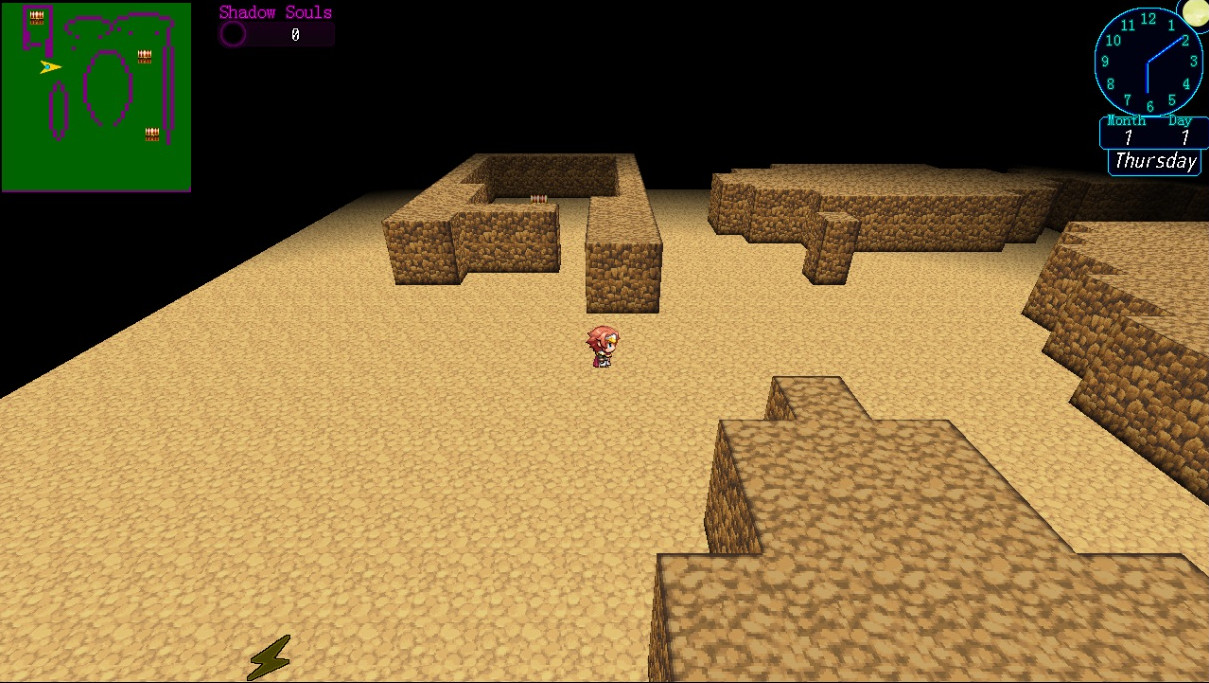
Choose which pictures you want to show on the minimap, on the events notes you which them to be visible on.
MV3D compatable.
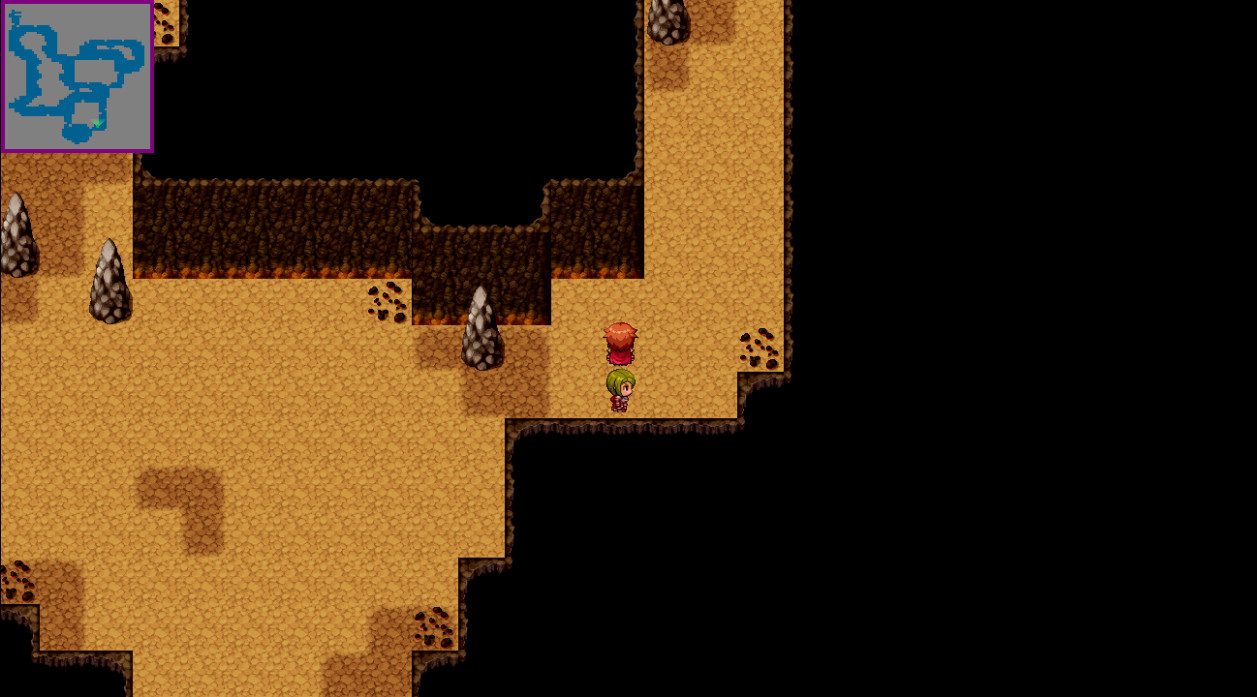
Twisty turny cave? No problem!
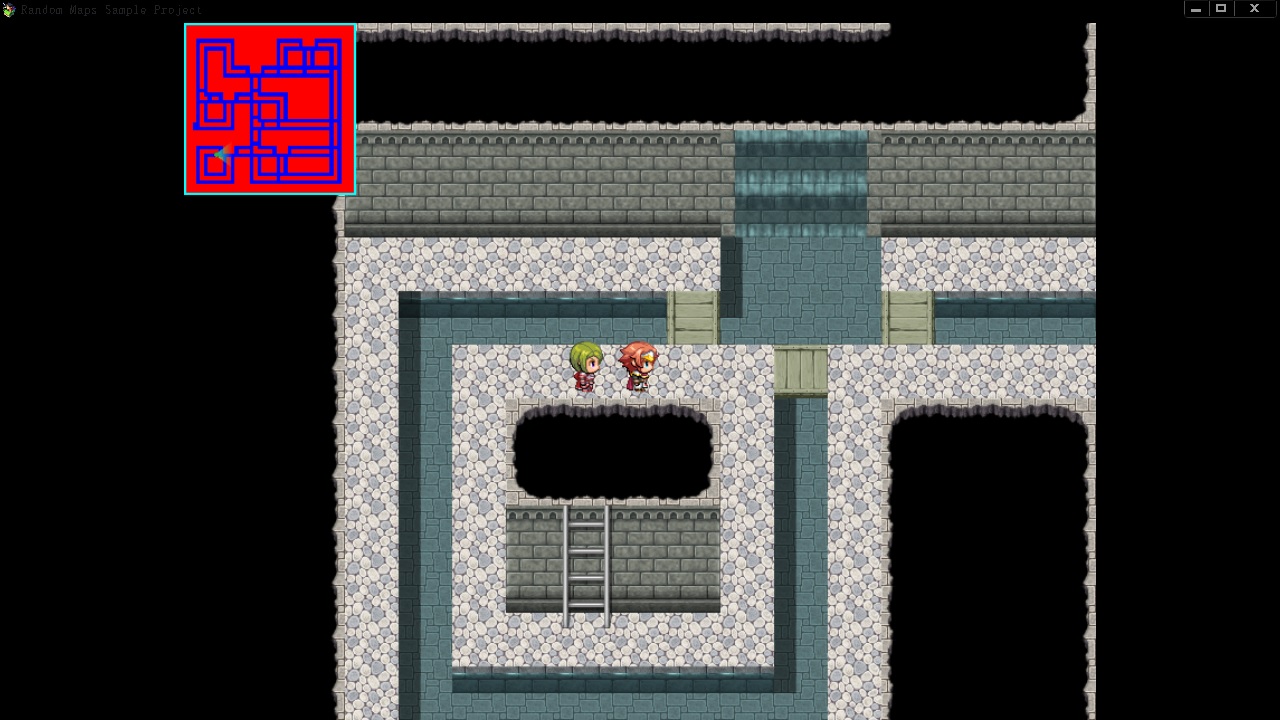
Download Here:
KoTC Optimized Autoscaling Minimap MV/MZ
本贴来自国际rpgmaker官方论坛作者:castiger处,因国际论坛即将永久关站,为了存档多年珍贵资料,署名转载到本论坛存档,由于官方帖子为英文原帖,需要中文翻译请点击论坛顶部切换语言为中文就可以将帖子翻译成中文浏览,方便大家随时查看,原文地址:
https://forums.rpgmakerweb.com/threads/kotc-autoscaling-optimized-minimap-mv-mz.141290/
 简体中文
简体中文
 English(英语)
 日本語(日语)
 Deutsch(德语)
 Русский язык(俄语)
 بالعربية(阿拉伯语)
 Türkçe(土耳其语)
 Português(葡萄牙语)
 ภาษาไทย(泰国语)
 한어(朝鲜语/韩语)
 Français(法语)





 KoTC Autoscaling Optimized Minimap MV/MZ-4.jpg