Intro:
A plugin that allows you to take screen shots in game.
Version: 1.01
Features:
- The ability to create screenshots, and have them exported to a folder.
- Setting the destination folder to a path of your choosing.
- Different file formats for manual screenshots.
- Screenshot time stamps down to the second to prevent overwriting of old screenshots.
- Key Mapping
You can map it to any alphanumerical key([A-Z, 0-9])
- The default is P
Replacing an image in game (like a parallax temporarily while on another map)
You can set the location as to where your screenshots will go.
Instructions:
- Install the script with the same name: EISScreenShots.js (default name).
- Have fun!
/*
* Version 1.00
*
* Function
* takeScreenShot(fileName, extension)
* - Takes a screenshot of the game window with an extension of your
* choice. For example, jpg, jpeg, gif, png.
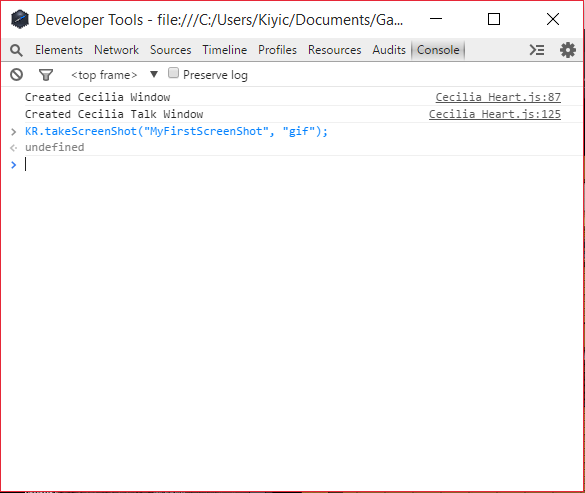
* Example: KR.takeScreenShot("MyFirstScreenShot", "png");
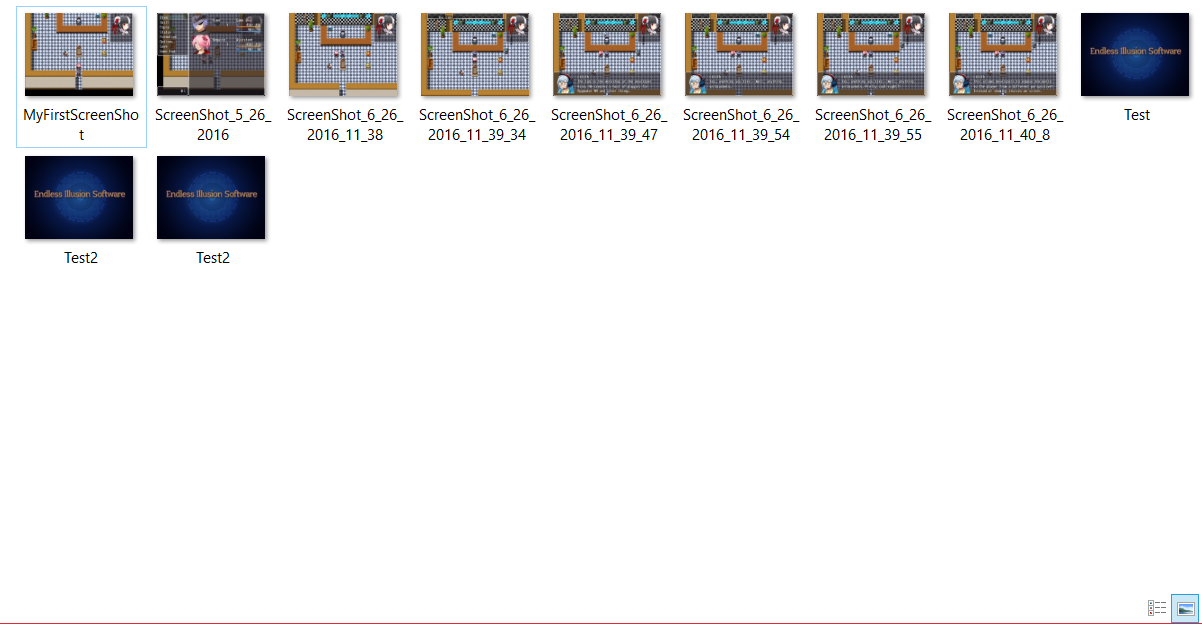
* - This sends a picture called MyFirstScreenShot.png to your screenshot folder,
* and creates one if it doesn't exist.
*/
Setup Examples and Screenshots:
SpoilerTaking a screenshot from the Dev Console:
You can also do this in game in a script call if you wanted.
Screenshot Folder:
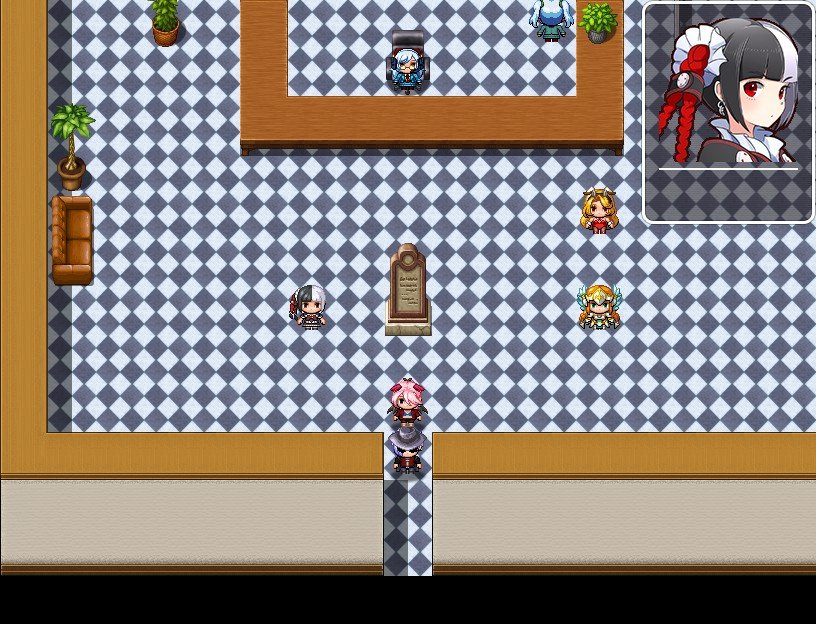
Taken ScreenShot:
Please download the attached file to use the plugin.
View attachment EISScreenShots.js
Credits:
Free for both commercial and non-commercial use.Credit with the name Kino or EIS.
Thanks:Thank you to anyone who decides to use this script; I appreciate it!
If there are any bugs/issue, please contact me via message on the forums.
Enjoy~
本贴来自国际rpgmaker官方论坛作者:Kino处,因国际论坛即将永久关站,为了存档多年珍贵资料,署名转载到本论坛存档,由于官方帖子为英文原帖,需要中文翻译请点击论坛顶部切换语言为中文就可以将帖子翻译成中文浏览,方便大家随时查看,原文地址:https://forums.rpgmakerweb.com/threads/eis-screen-shots.64223/
 简体中文
简体中文
 English(英语)
 日本語(日语)
 Deutsch(德语)
 Русский язык(俄语)
 بالعربية(阿拉伯语)
 Türkçe(土耳其语)
 Português(葡萄牙语)
 ภาษาไทย(泰国语)
 한어(朝鲜语/韩语)
 Français(法语)





 EIS Screen Shots: EIS Screen Shots-2.jpg