ST_DimWindowControl.js v1.1.0
by Stahltier (me)
Introduction
There's many plugins that change the general window opacity, but I found that none of them seem to work for me when it comes to changing the "Dim" background window style to fully opaque. I wanted to avoid the partially transparent windows and also didn't want there to be a gradient, so I found the functions that define the dimmed window opacities and wrote a little plugin that overwrites them to use dynamic values.
Features
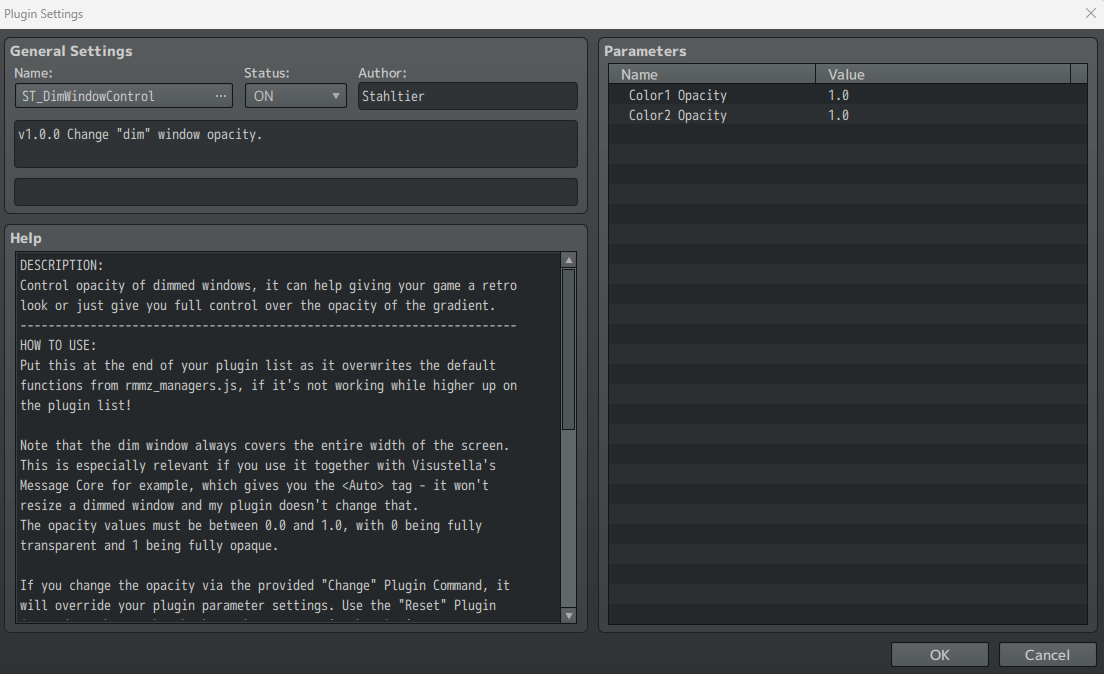
- Plugin Parameters to set the dimmed windows' content opacity and the opacity of the gradient that surrounds it
- Plugin Commands to change these settings on the fly and to reset them back to your plugin parameter values
I have tested this plugin together and without Visustella's Message Core plugin and it works fine with that (I put mine below Visu's), but I cannot guarantee compatibility with future versions of their plugin or any other plugin. If you are having difficulty getting my plugin to work, try putting it on the bottom or the top of the plugin list - it overwrites two base functions from rmmz_managers.js (the ones that return the dimmed window sprite colors), so any other plugins that overwrite or override those could cause problems with it.
Screenshots
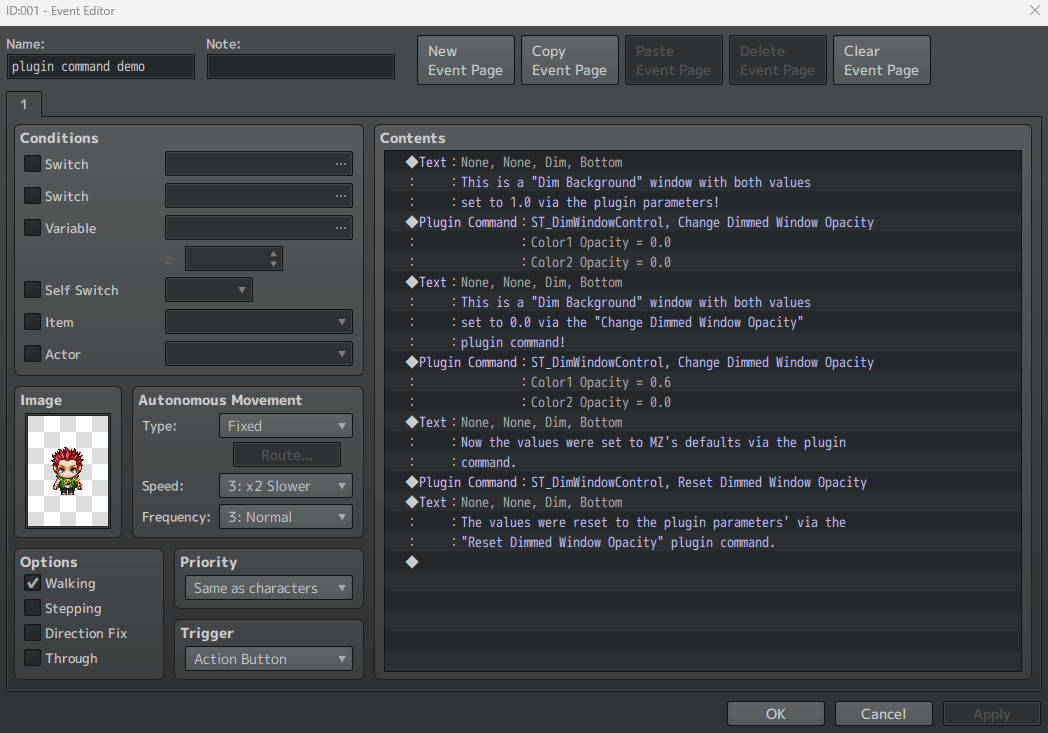
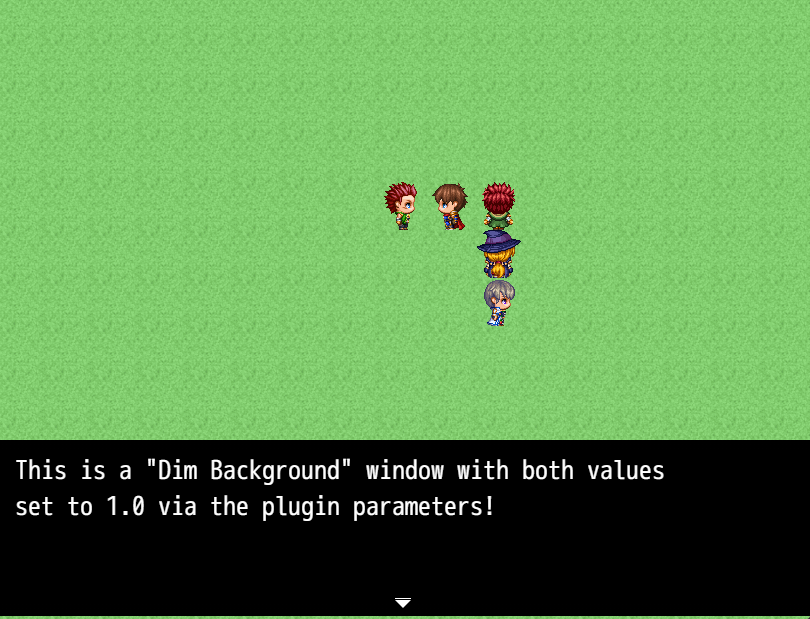
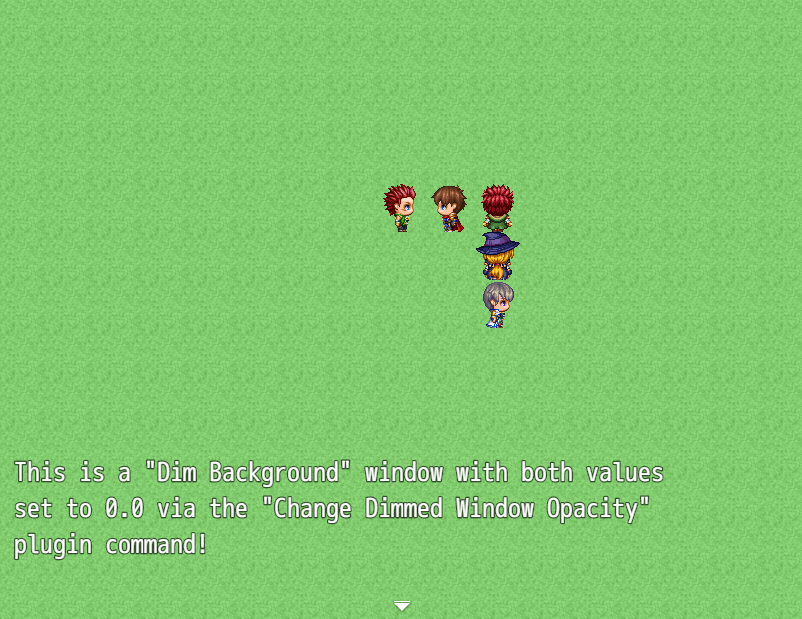
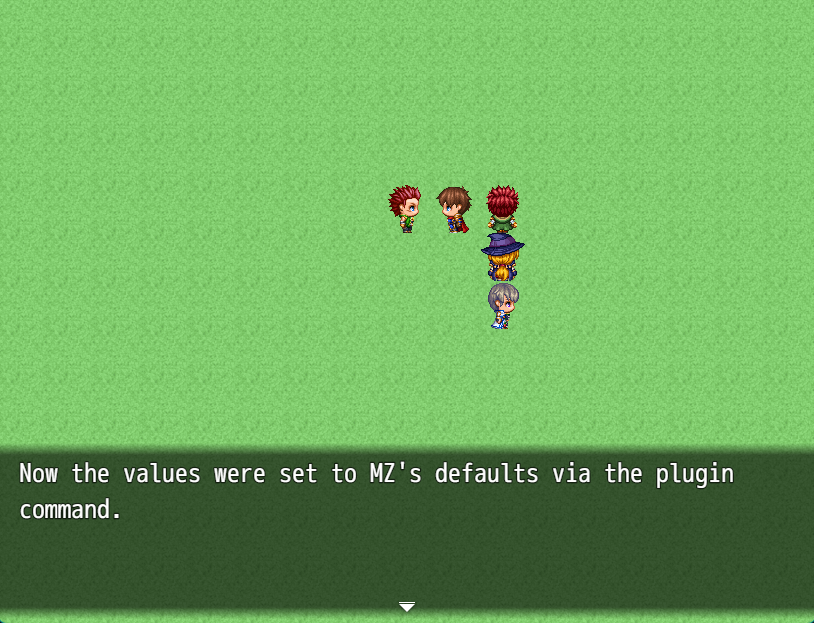
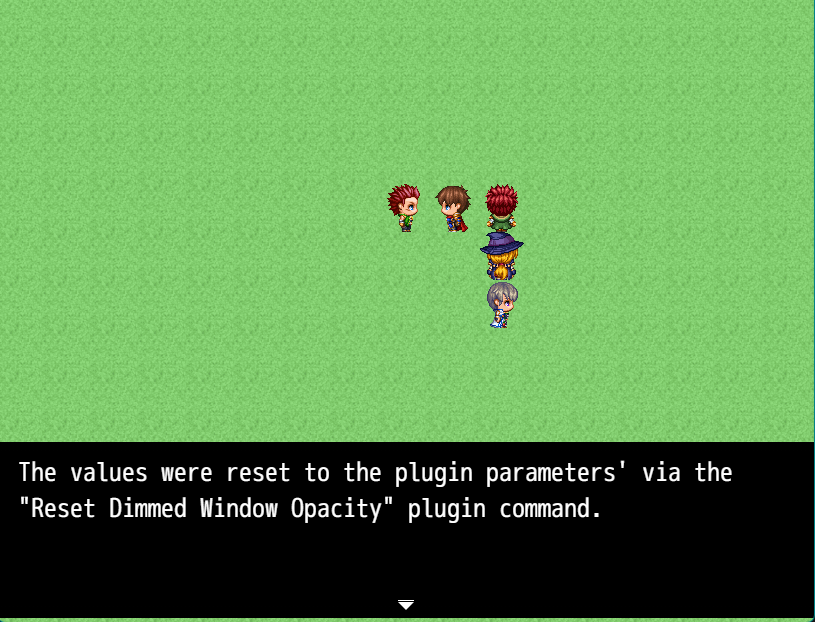
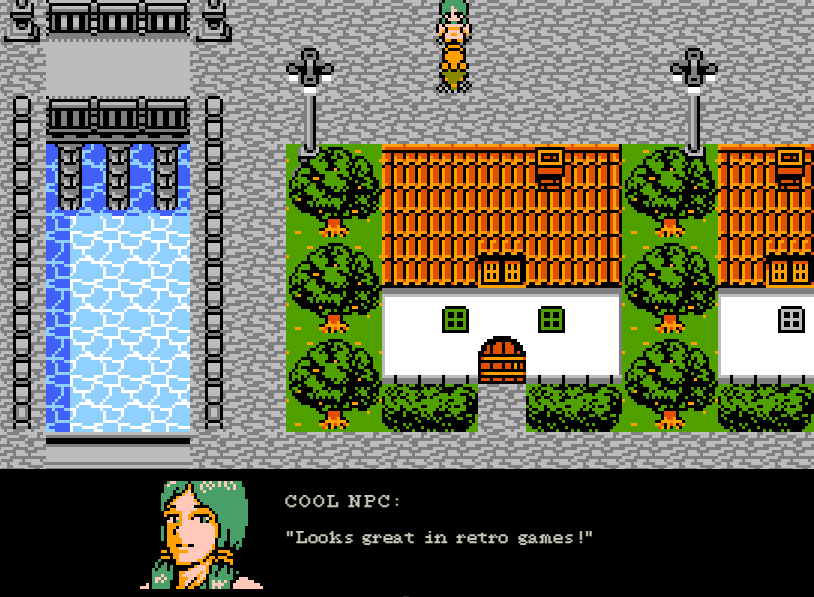
(The art assets aka tilesets, characters, and face image of this screenshot are not included, they are from an asset pack that I own and are only shown for demonstration purposes.)
How to Use
- Download the javascript file, put it into your project's "plugins" folder
- Enable it via the plugin manager
- Set the desired default values
- If needed, use the provided plugin commands to change the settings on the fly
If you need a reminder, the plugin's Help section has some detailed info on what this plugin does and how to use it. The plugin parameters and plugin command arguments were set up in a way that should be mostly foolproof, they won't let you enter values that aren't valid.
Plugin Commands / Script Calls
- "Change Dimmed Window Opacity" - lets you set the two opacity values during eventing
- "Reset Dimmed Window Opacity" - lets you reset the two values back to your plugin parameters
Demo
None, see screenshots for how to use the plugin commands in events.
Download
Available on itch.io and attached to this thread!
Changelog
- v1.1.0 - fixed an oversight with the variable scope that could lead to crashes if used together with certain other plugins
- v1.0.0 - initial upload
Terms and Credits
(copied from plugin's help section)
Coded by Stahltier. No genAI was used.
This plugin is free to use in your games, please give credit to Stahltier if you use it in your commercial projects. You don't need to give credit in non-commercial projects.
If you share this plugin outside of it being part of a game, please don't remove the credits. You can edit this plugin to suit your project's needs, but don't publicly share edited versions of my code.
I test my plugins, but I am not responsible for your project breaking if you use them, especially if you use them in non-intended ways or made any changes to them.
本贴来自国际rpgmaker官方论坛作者:autophagy处,因国际论坛即将永久关站,为了存档多年珍贵资料,署名转载到本论坛存档,由于官方帖子为英文原帖,需要中文翻译请点击论坛顶部切换语言为中文就可以将帖子翻译成中文浏览,方便大家随时查看,原文地址:
https://forums.rpgmakerweb.com/threads/free-plugin-dim-window-opacity-control.181825/ ST_DimWindowControl.js (3.87 KB)
  简体中文
简体中文
 English(英语)
 日本語(日语)
 Deutsch(德语)
 Русский язык(俄语)
 بالعربية(阿拉伯语)
 Türkçe(土耳其语)
 Português(葡萄牙语)
 ภาษาไทย(泰国语)
 한어(朝鲜语/韩语)
 Français(法语)





 Free Plugin: Dim Window Opacity Control-5.jpg