CC_FG v4.3
by CC
Features
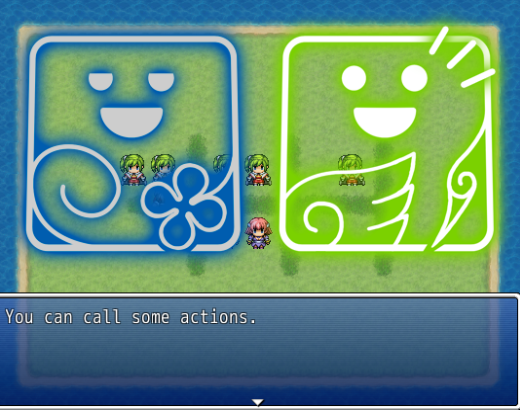
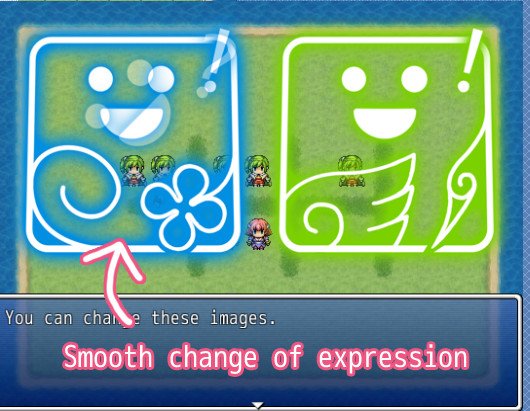
This script gives you more control on character images in a dialog scene.
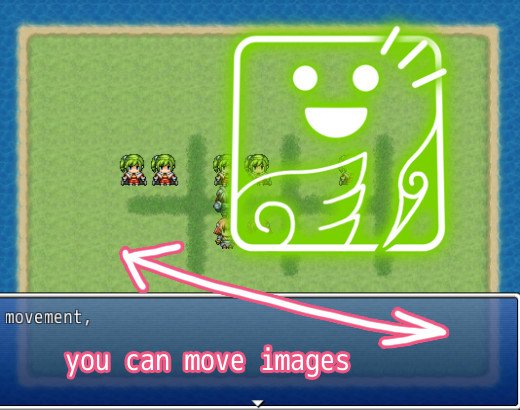
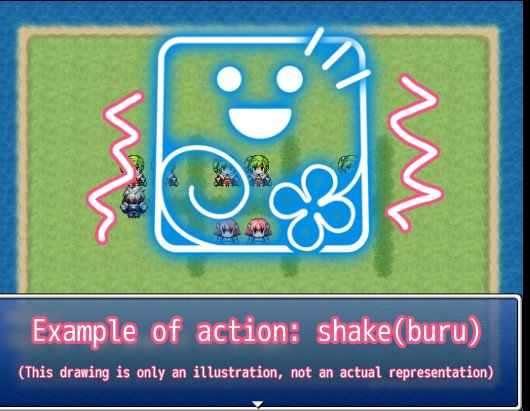
You can move those images, darken for highlighting a narrator, shake as comical action, et cetra.
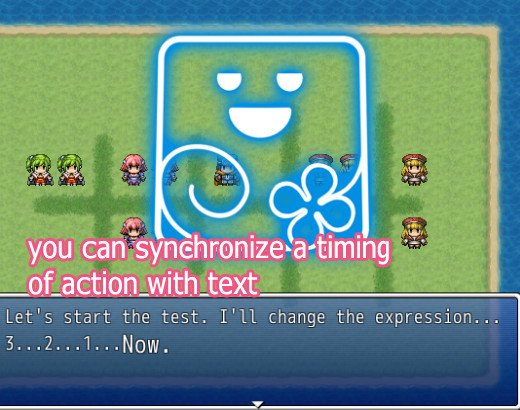
(Optional) You can synchronice a timing of actions with text flow by using a controll character.
Screenshots
 Video
https://www.youtube.com/watch?v=keHprIVCaG0
https://www.youtube.com/watch?v=SCrD0V0jKUk
Demo
Video
https://www.youtube.com/watch?v=keHprIVCaG0
https://www.youtube.com/watch?v=SCrD0V0jKUk
Demo (Script included)
>> Here
How to Use
[1] Please try demo.
[2] Install
This script has four-part. set in order as below.
CC_FGMSG : (Optional) Control characters for the use in the message window.
CC_FGIMG : Image loader. If you change filename format, see this.
CC_FGCOM : Script calls. If you change orders, see this.
CC_FG : Main.
[3] Prepare files
In default, directory is "Graphics/fgimage/"
it is written in Module(CC::FGIMG) in CC_FGIMG.
filename format is written in fg_select() in CC_FGIMG.
example : "./Graphics/fgimage/CC/CC00_smile.jpg"
Perhaps you think default format is unnessarily long and want to change.
So, this is list of involved method:
fg_select() in FG_IMG, img() in FG_FGCOM, face() in FG
[4] Cache
This script use Cache. It can be heavy load for memory.
Call Cache.clear_fg_cache to clear cache manually.
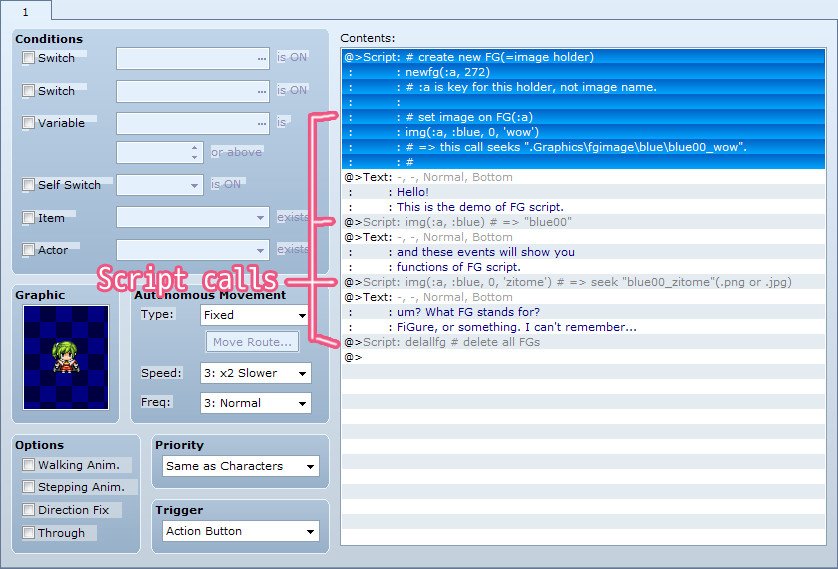
[5] Basic flow of event command script
1. newfg(key) to make new image holder(=FG).
2. img(key, ccode, cloth = 0, emo = nil) to set image on FG.
(to see how filename is determined, see fg_select() in CC_FGIMG.)
3. let FG act through the commands, script calls.
(to see commands, see CC_FGCOM.)
4. delfg(key), delallfg() to delete image holder. Call it when dialog is over.
[6] (Optional) Combination with 'show text' by CC_FGMSG
If CC_FGMSG is installed, you can use 'control character'(such as \C[1]) \FG to
synchronize a timing of texts and actions of FG.
For more detail, please see CC_FGMSG.
References
qut, "バストアップ表示スクリプト",
http://lud.sakura.ne.jp/.
Author's notes
This work is licensed under the Creative Commons Attribution 4.0 International License.
To view a copy of this license, visit
http://creativecommons.org/licenses/by/4.0/.
In Short:
As long as you give credits, you are free to use this script in Commercial/Non-Commercial Projects.
We appreciate your donation.
If you find this script useful, please consider to make a donation. Pledgie URL:
https://pledgie.com/campaigns/26257
本贴来自国际rpgmaker官方论坛作者:CC_Yellow处,因国际论坛即将永久关站,为了存档多年珍贵资料,署名转载到本论坛存档,由于官方帖子为英文原帖,需要中文翻译请点击论坛顶部切换语言为中文就可以将帖子翻译成中文浏览,方便大家随时查看,原文地址:
https://forums.rpgmakerweb.com/threads/cc-visual-novel-like-image-controller.30648/ 简体中文
简体中文
 English(英语)
 日本語(日语)
 Deutsch(德语)
 Русский язык(俄语)
 بالعربية(阿拉伯语)
 Türkçe(土耳其语)
 Português(葡萄牙语)
 ภาษาไทย(泰国语)
 한어(朝鲜语/韩语)
 Français(法语)





 CC - Visual-Novel like Image Controller: CC - Visual-Novel like Image Controller-4.jpg