Region Sound MZ v1.0
by axgin96
Introduction
Hey! I’m
axgin96, a small dev who sometimes hacks together tiny plugins to make RPG Maker work the way I need. When they help me, I share them—hopefully they’ll help someone else too.
RegionSoundManager does one simple, handy thing: it binds ambient sounds (
BGS) to map
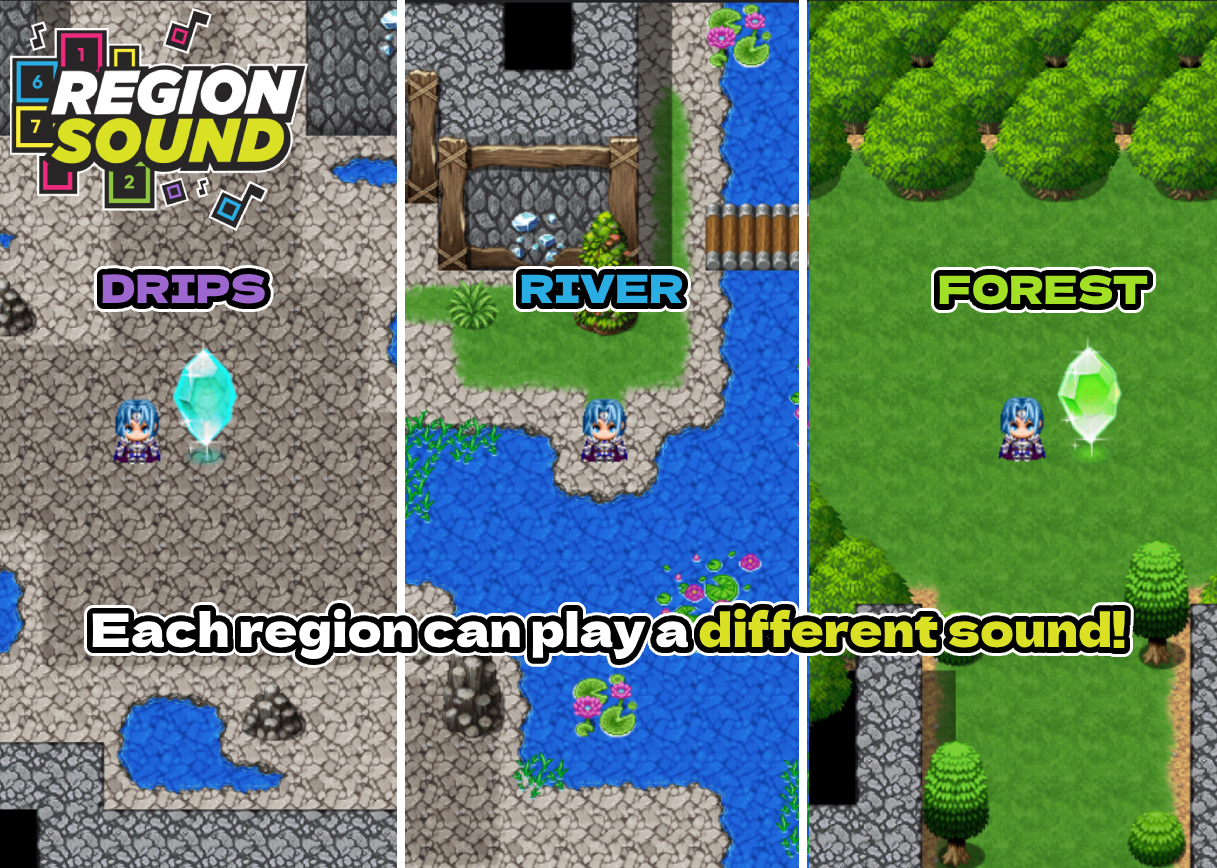
Region IDs. Paint your river with a Region, assign a water sound, and the plugin handles the rest—volume fades in as you get closer, fades out as you leave, and multiple regions can layer nicely for richer ambience.
Features
• Region-based ambient audio (BGS)
• Smooth volume transitions / proximity falloff
• Supports multiple regions concurrently
• Simple API with three calls (set, clear, stop)
• Plug-and-play; no custom eventing needed beyond a Parallel event/common event
Screenshots


 How to Use
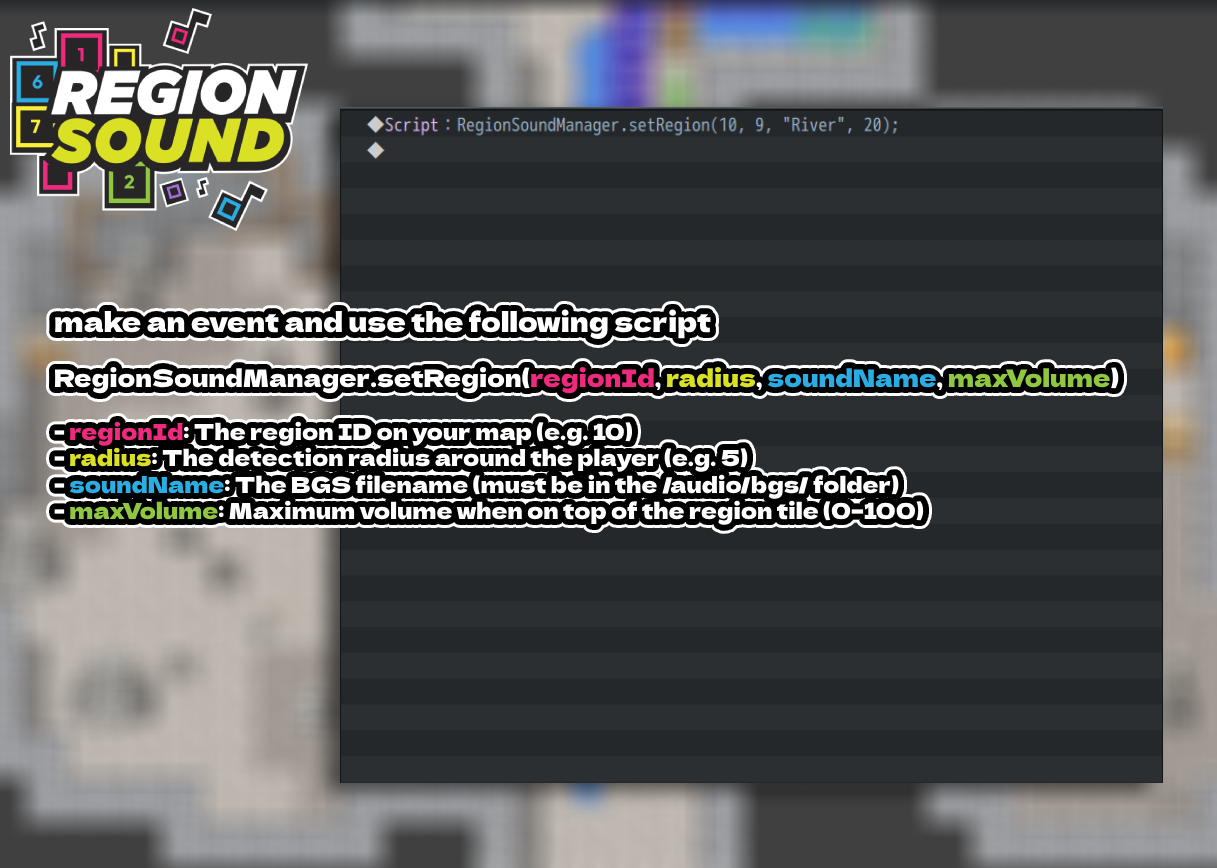
- In the map editor, paint the areas you want to “emit” sound using a Region ID.
- Create a Common Event or Map Event set to Parallel.
- Add the script call(s) below to register your regions and sounds.
- Place the BGS files in /audio/bgs/.
That’s it—the plugin handles detection, mixing, and volume transitions automatically.
Plugin Commands / Script Calls
Code:
•
regionId: Region ID on your map (e.g., 10)
•
radius: Detection radius around the player (e.g., 5 tiles)
•
soundName: BGS filename in /audio/bgs/ (without extension)
•
maxVolume: Max volume on top of the Region (0–100)
Example:
Code:
Utilities:
Code:
— removes all active region sounds
Code:
— stops the current playing BGS
Demo
An empty project demo is included so you can test right away. It’s configured with sample Regions and BGS to showcase all features.
Download
 Region sound MZ by Axgin96
Dynamically play ambient sounds near specific region tiles — with smooth proximity-based fading.

axgin96.itch.io
Terms and Credits
• Credit:
axgin96
• You may include the plugin in your released games/projects
• Disclaimer: Created as a passion project; support/updates not guaranteed.
本贴来自国际rpgmaker官方论坛作者:Axgin96处,因国际论坛即将永久关站,为了存档多年珍贵资料,署名转载到本论坛存档,由于官方帖子为英文原帖,需要中文翻译请点击论坛顶部切换语言为中文就可以将帖子翻译成中文浏览,方便大家随时查看,原文地址:
https://forums.rpgmakerweb.com/threads/region-sound-mz-ambient-bgs-by-region-id-with-proximity-fade.180811/ 简体中文
简体中文
 English(英语)
 日本語(日语)
 Deutsch(德语)
 Русский язык(俄语)
 بالعربية(阿拉伯语)
 Türkçe(土耳其语)
 Português(葡萄牙语)
 ภาษาไทย(泰国语)
 한어(朝鲜语/韩语)
 Français(法语)





 Region Sound MZ – Ambient BGS by Region ID with Proximity Fade-6.png